Menu
Inscription / Connexion

Les membres de la meute avancent plus vite.
🐺 Rejoindre la meuteDéjà membre ? Connectez-vous

Disponibilité: Stock bas : 1 restant(s)
Impossible de charger la disponibilité du service de retrait


Application: Desktop,Laptop,Tablet
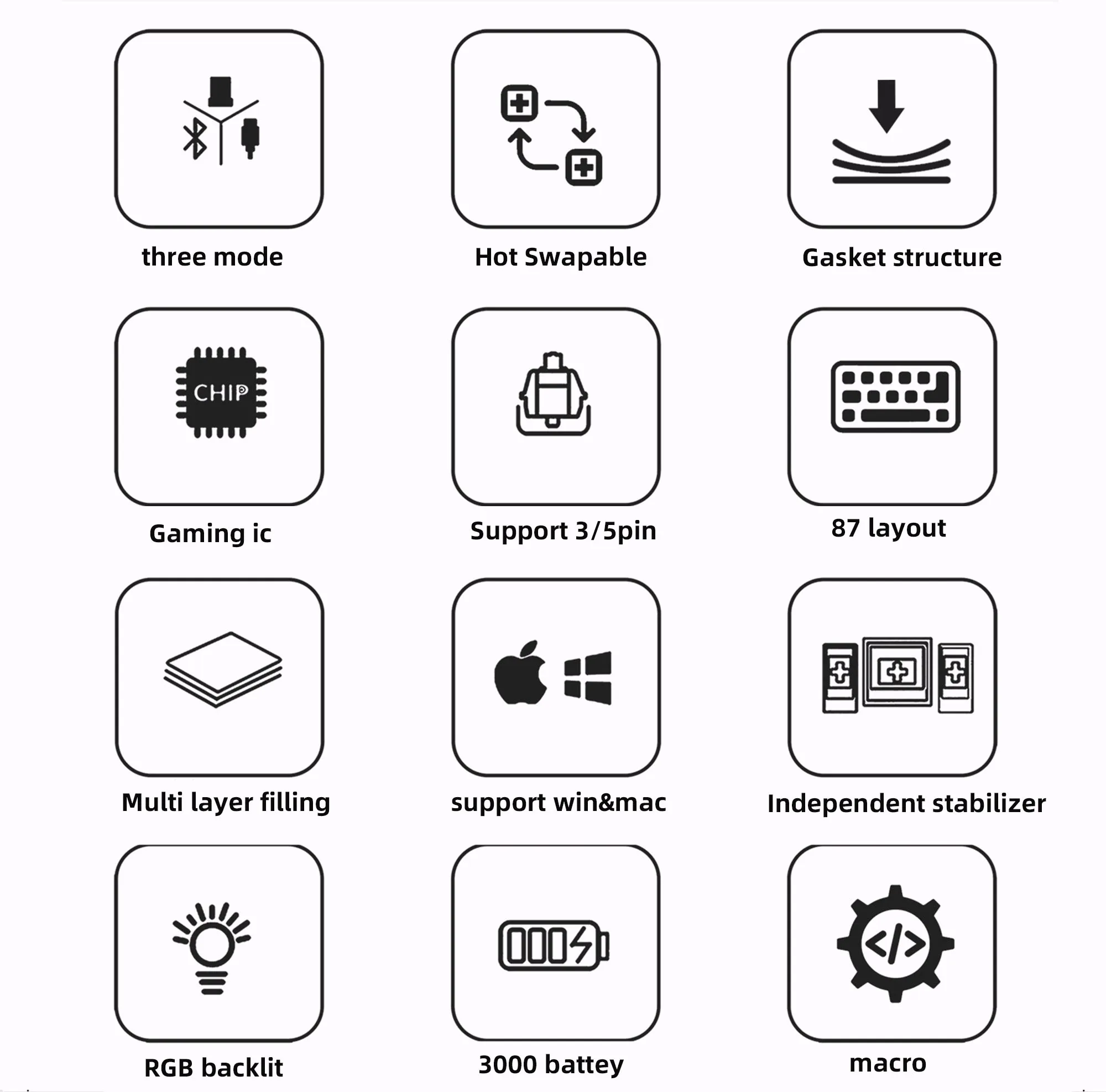
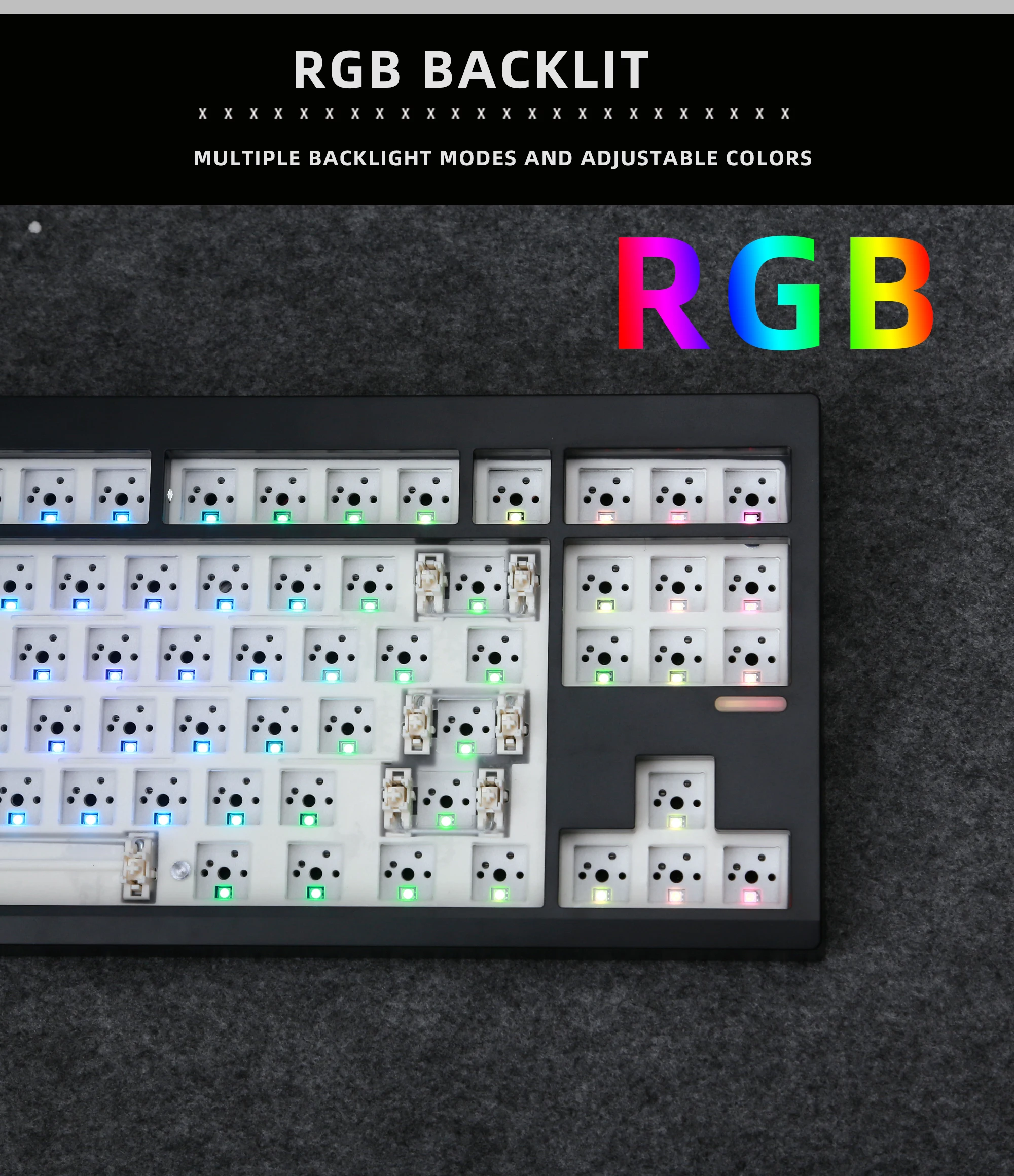
Backlight Type: MULTICOLOR
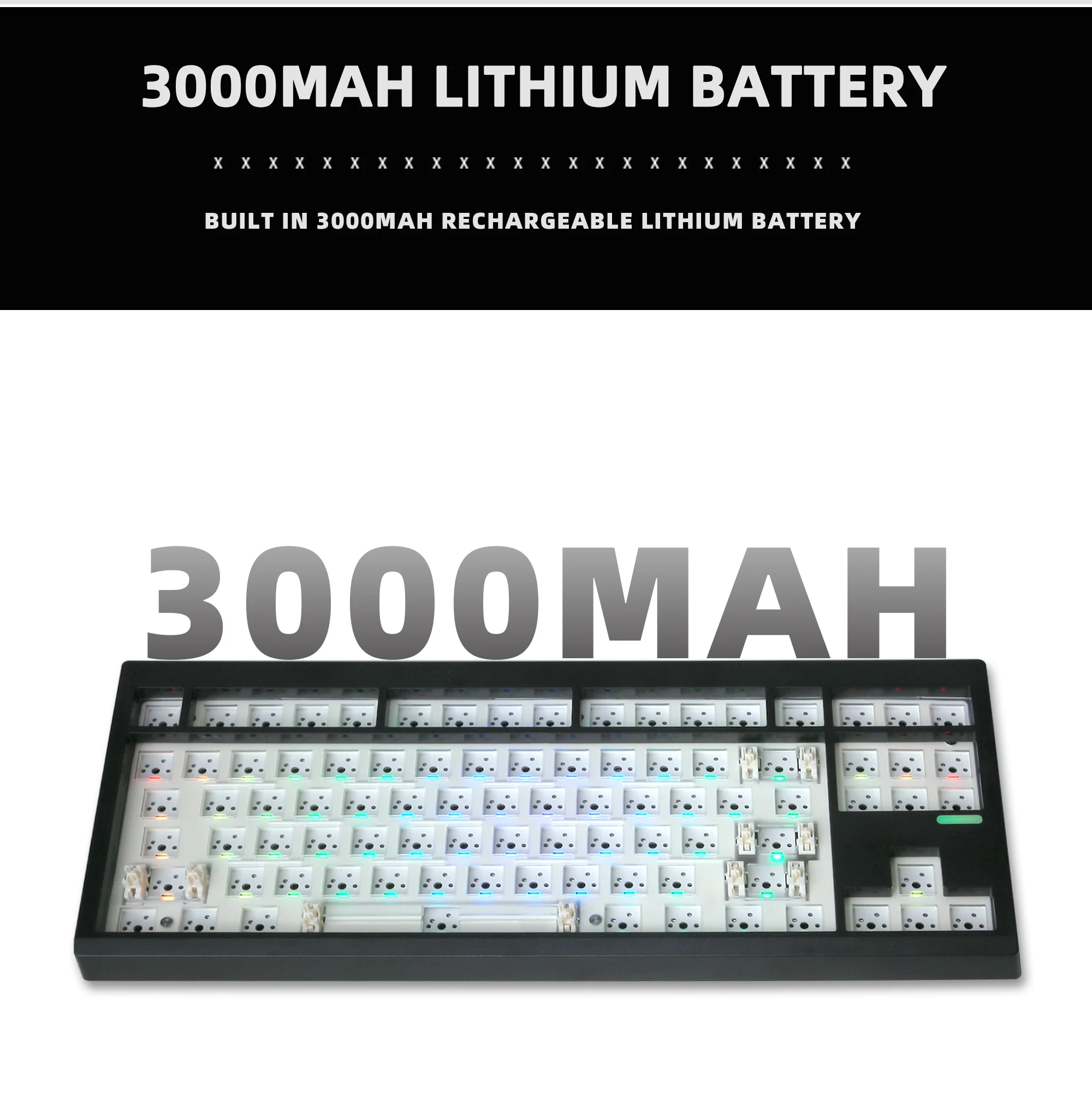
Battery Included: Yes
Brand Name: NoEnName_Null
Choice: yes
Full Size keyboard: No
High-concerned chemical: None
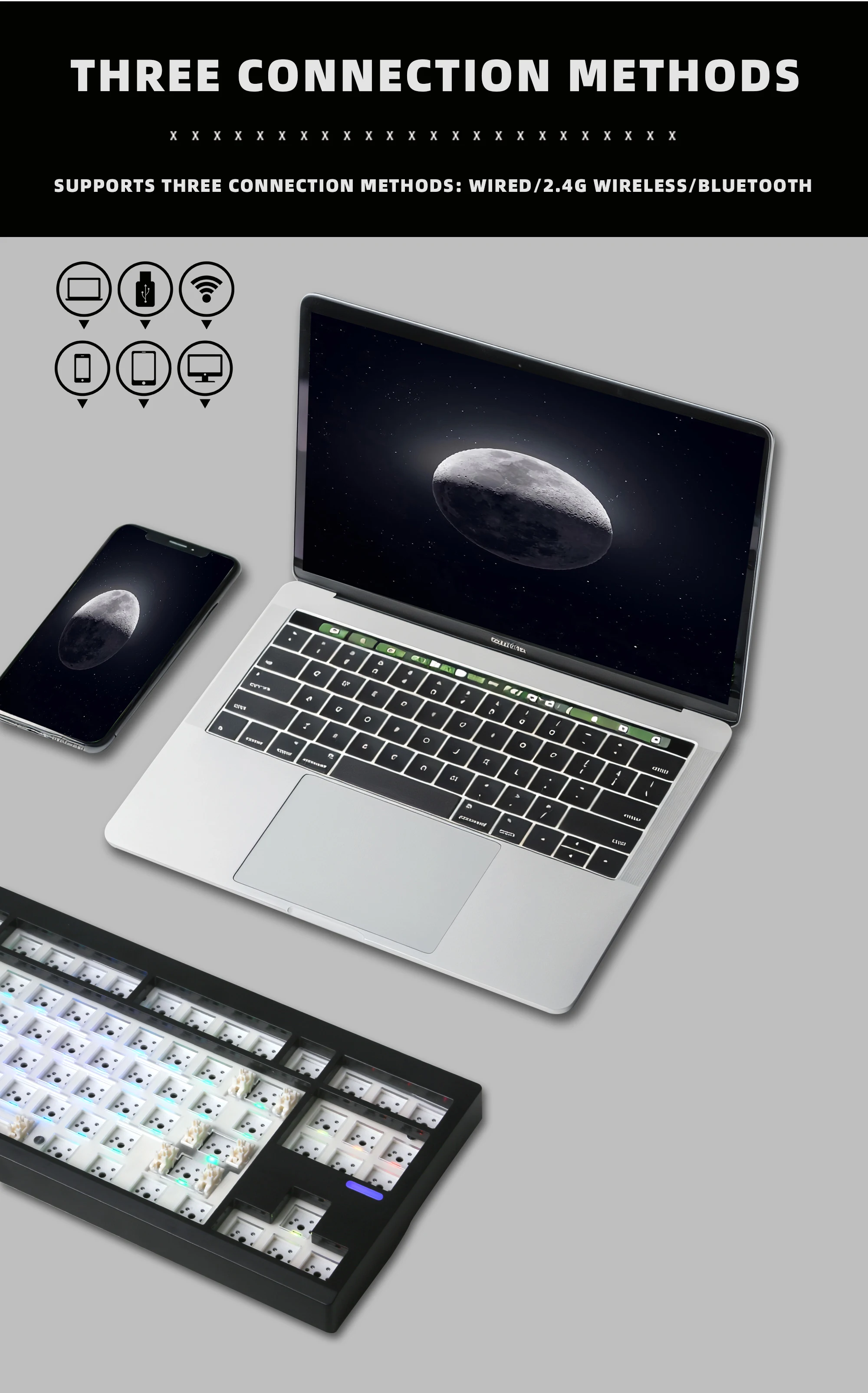
Interface Type: USB
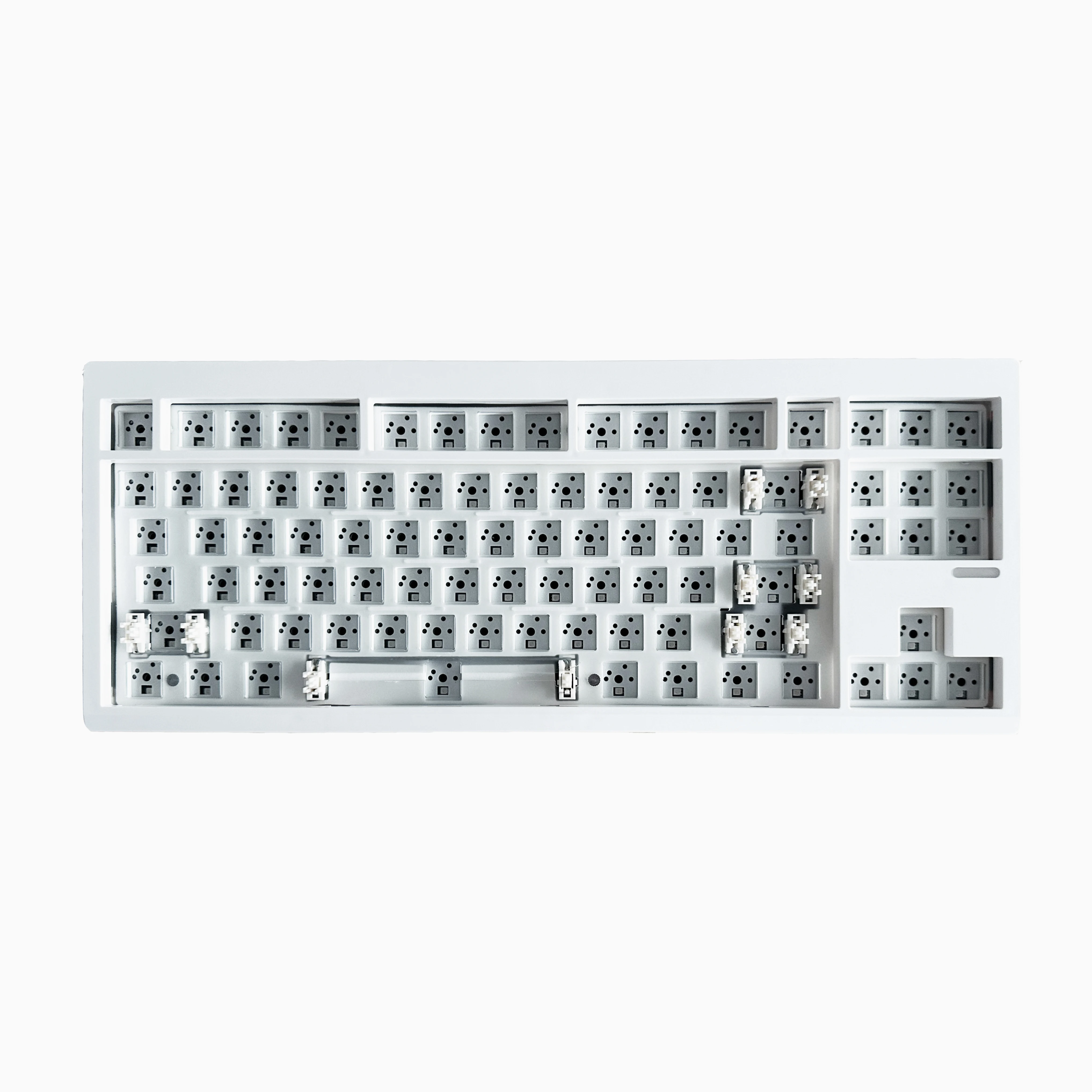
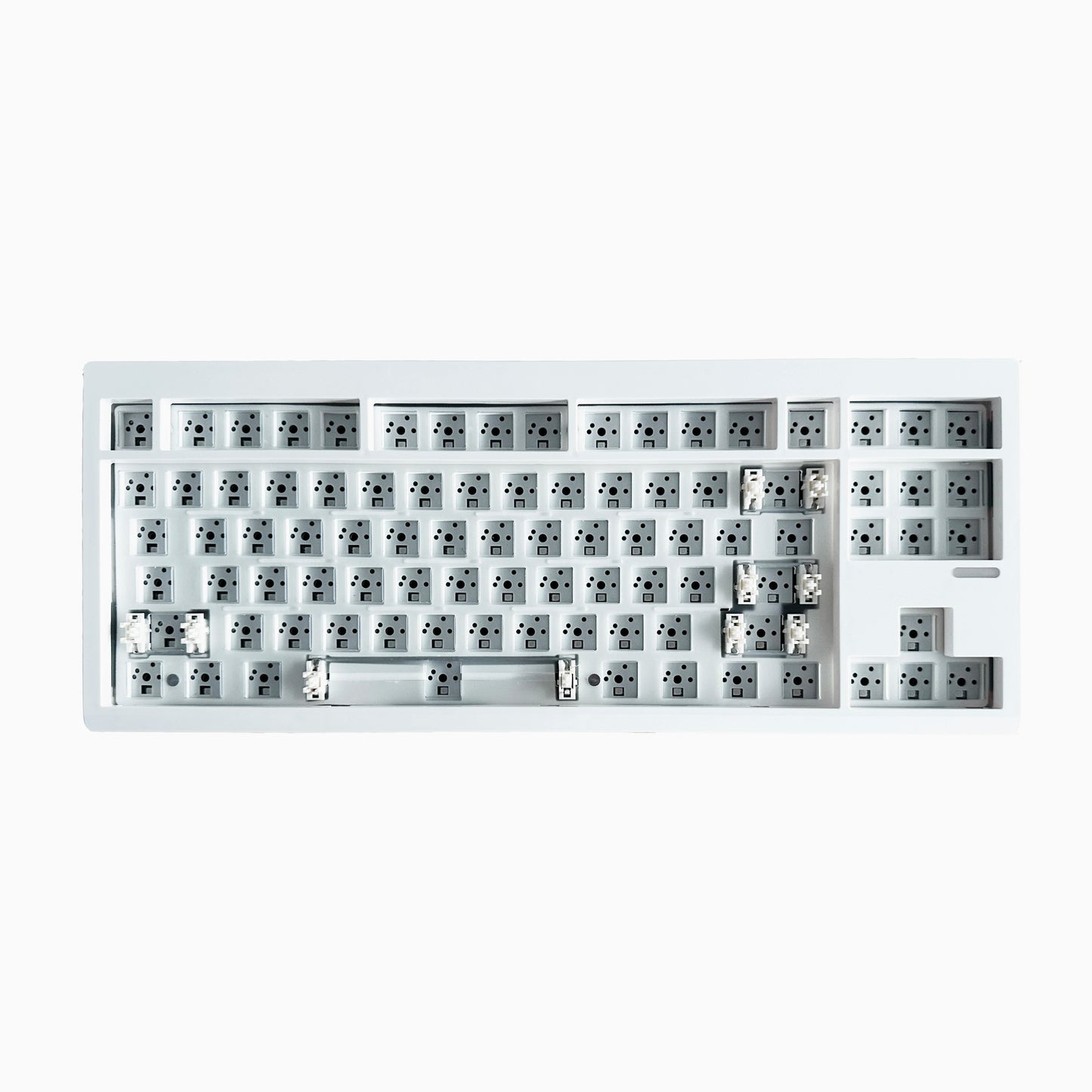
Keyboard Standard: 87 Keys
Language: English
Operation Style: Mechanical
Origin: Mainland China
Package: Yes
Style: Standard
Switches Hot swap: Yes
Type: Bluetooth Wireless
Wrist Support: No
semi_Choice: yes
Some precautions about the keyboard kit (please read carefully, the following items are assumed to have been read upon purchase)
Our keyboard kit's FN key is a function key, and there is no specific response from a single point. If you test the software again and there is no response, it is normal because it is a function key and needs to be combined with other keys to reflect its function (the" menu" key also cannot be opened in some testing software, not a product issue)
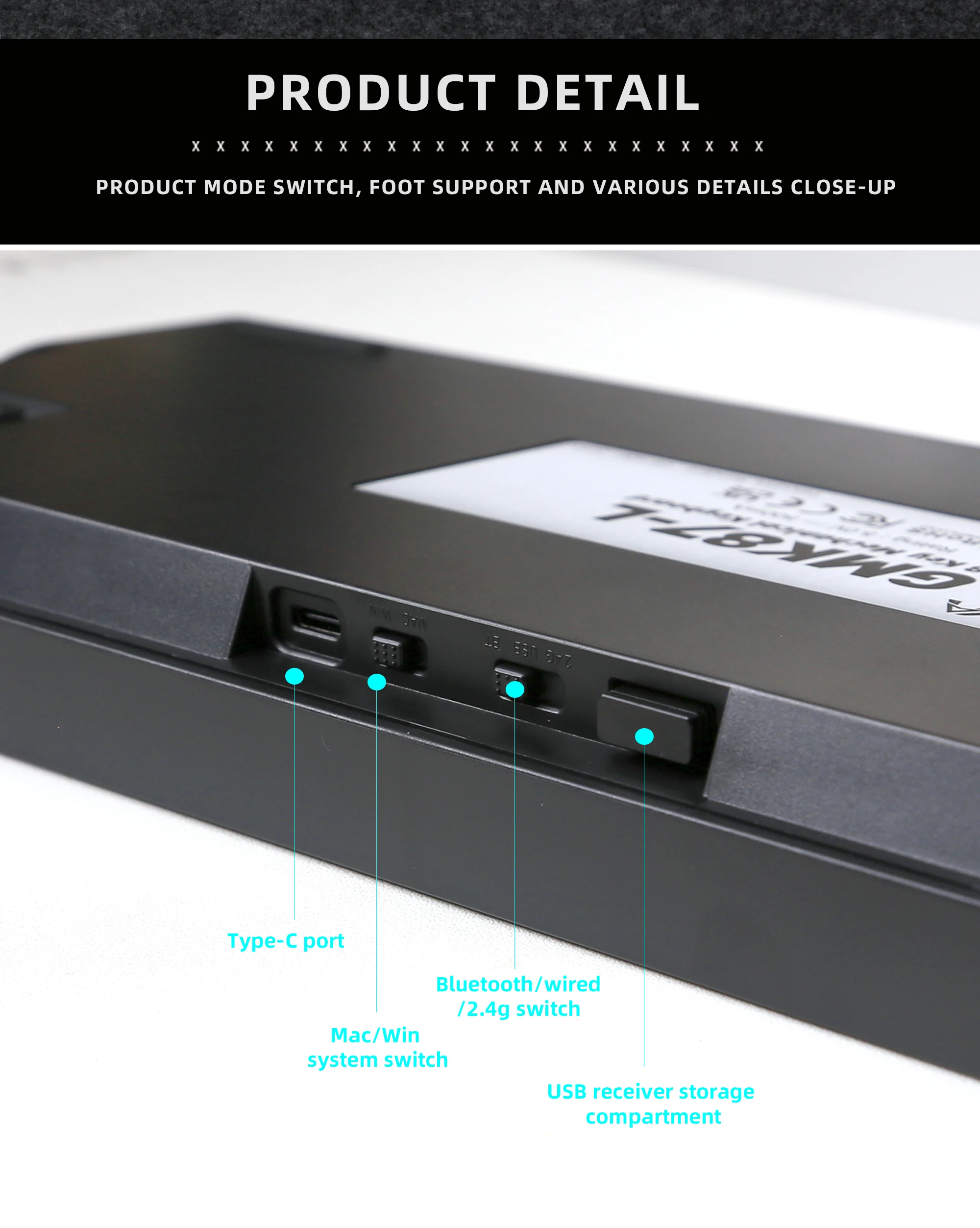
Our keyboard kit can switch between Mac and Windows systems. If your computer is a Windows system, press alt but the test software shows the win key function. Don't panic, just switch the system switch to the corresponding system mode (there is a switch next to the type-c plug hole, or press FN+a/s to switch to the corresponding system)